Your channel manager should tell you what's wrong.
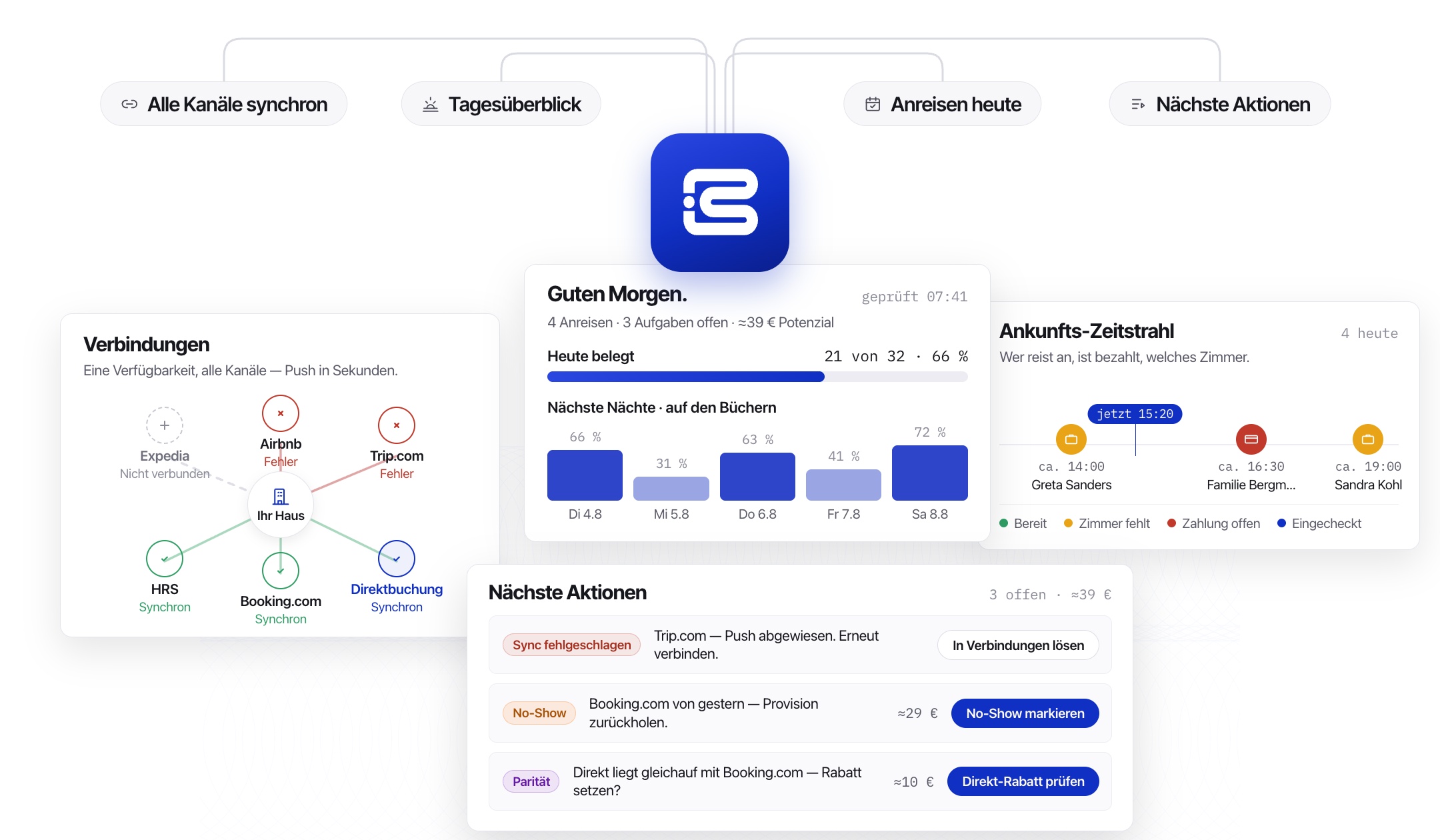
Booking.com, Expedia, Trip.com, HRS, and others; with your own site; all synced automatically, with one honest list each morning telling you exactly what needs your attention.


TRUSTED BY LEADING HOSPITALITY COMPANIES





Channel managers show you data. They don't tell you what to do with it.
Stale prices, silent sync failures, missed no-shows, and weak nights nobody caught in time — the same problems, every property, every week.
We do it differently
100%
Of your channels checked and cross-referenced, automatically
0 logins
You never open an OTA extranet to catch what's wrong
<2 min
To see everything that needs you today
1 click
To fix a stale rate, a failed sync, or a missed no-show
24/7
Rate parity checked against every channel, automatically
Our channel manager works like a good night manager.
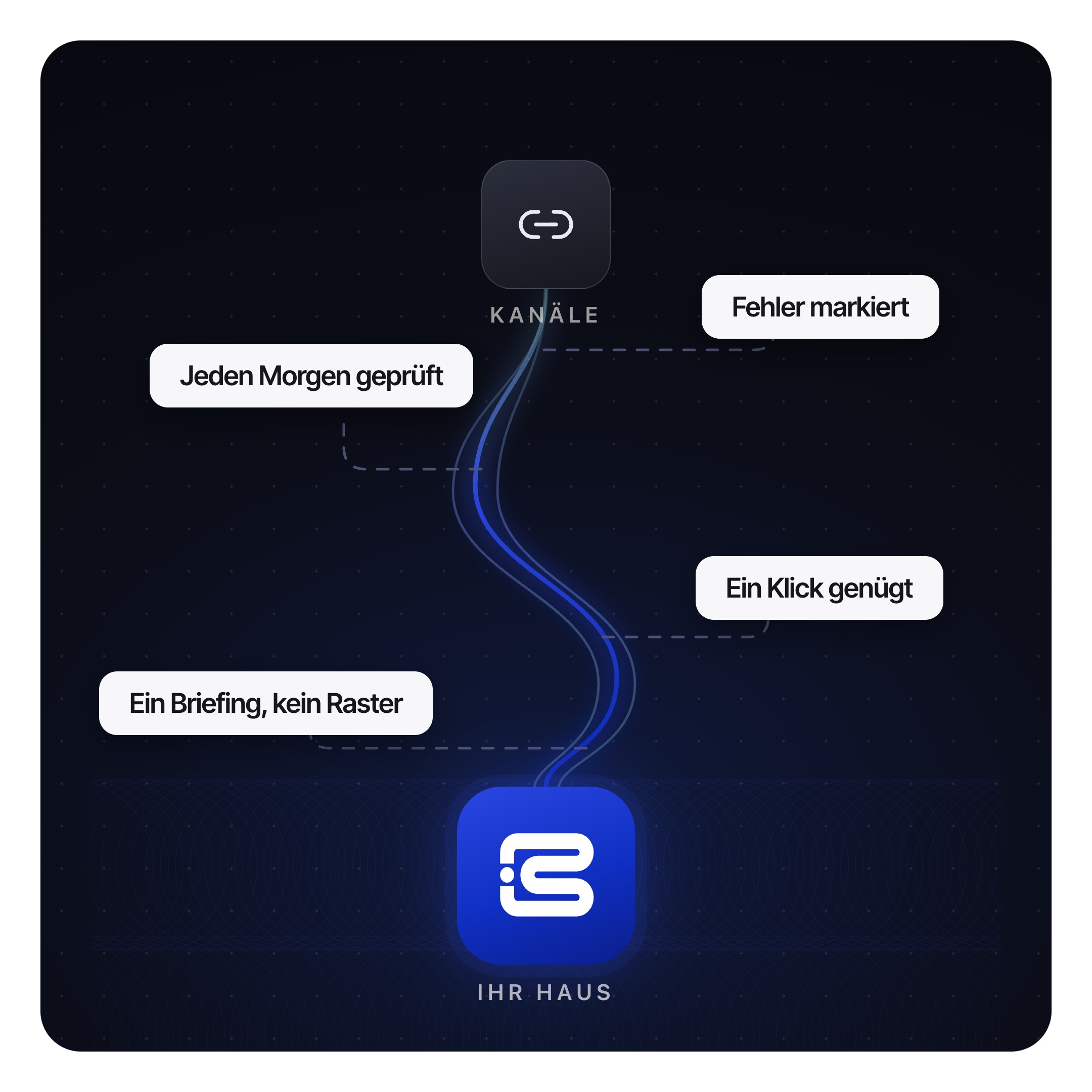
Most channel managers show you a grid and leave you to spot the problems. Ours reads every channel every morning, flags exactly what's stale, failed, or slipping, and drafts the fix. You just say yes.

Stale price
Booking.com still shows €180 while your rate moved to €195 — guests see the wrong price until the push clears.

Sync failed
Trip.com rejects the login and keeps bouncing the update. One click reconnects it.

Uncaught no-show
A no-show from last night nobody reported — about €29 in commission you can still reclaim.

A weak night, early
Wednesday is sitting at 31% occupied. We suggest the rate to fix it while there's still time.

Rate parity, both ways
Direct matches an OTA on a big weekend. Nudges go honestly in either direction, not just toward direct.

One list, every morning
Arrivals, tasks, and euros at stake — one briefing instead of five open tabs.
Everything you need, in four steps

Connect your channels
Booking.com, Expedia, Trip.com, HRS, airbnb.com, and your own site — linked once.

Get your morning briefing
Arrivals, occupancy, and every issue ranked by what it's costing you.

Fix it in one click
Reconnect a channel, adjust a rate, or mark a no-show — right from the card.

Stay in sync automatically
Rates and availability push to every channel the moment something changes.

Questions hoteliers actually ask
Which channels does Bluerails Channel Manager connect to?
How is this different from the channel manager I already have?
What exactly shows up in the morning briefing?
Do I still need to check each OTA extranet myself?
What happens when a sync fails?
Can it catch no-shows and missed commission?
How long does setup take, and what does it cost?

See what needs you, before your guest does.